Updated: September 6, 2026
Artificial Intelligence
5 Best Open-Source AI Coding Agents to Replace GitHub Copilot in 2026
Proprietary Coding Assistants Are Getting Expensive — and Locked In
GitHub Copilot is the default AI pair programmer for most teams, but it is closed source and tied to a per-seat subscription. That model is shifting again: in 2026 GitHub moved Copilot to usage-based billing, where chat and agent requests draw down a monthly "AI credits" allowance. Copilot Pro is $10/month, Business is $19/user/month, and Enterprise is $39/seat/month — with extra usage billed on top once the included credits run out.
The deeper question is control. Copilot runs on Microsoft's infrastructure, and you rent it per seat without seeing or self-hosting the code. For developers and small teams, the open-source ecosystem now covers the same ground: bring-your-own-key agents that work with any model, self-hosted completion servers, and git-native pair programmers.
This guide compares five open-source coding agents that can replace Copilot — what each does, its license, whether you can self-host it, and where it falls short.
Comparison Table
Detailed Reviews
1. OpenCode
OpenCode is the most-starred open-source coding agent in this list, built by the team behind the SST framework (now Anomaly). It runs as a terminal UI, an IDE extension, or a desktop app, and it connects to 75+ model providers through Models.dev — Anthropic, OpenAI, Google, AWS Bedrock, and local models via Ollama or LM Studio.
What Sets It Apart: OpenCode is an agent, not just an autocomplete tool. You can start multiple agents in parallel on the same project, share a session link to debug or review, and load language servers (LSP) so the model sees real compiler diagnostics after every edit instead of guessing. Sessions are stored locally in SQLite, and the project does not store your code or context.
Key Features
- 75+ providers: Connect any model from Anthropic, OpenAI, Google, Bedrock, OpenRouter, or a local runtime, or use the included free models.
- LSP integration: Automatically loads the right language server so the model gets live type errors and warnings.
- Multi-session: Run several agents in parallel against the same repo.
- Share links: Publish a session link for reference or debugging.
- MCP support: Connect Model Context Protocol servers for extra tool access.
Where It Falls Short
OpenCode is terminal-centric first, so it is not a drop-in replacement for Copilot's inline ghost-text autocomplete in your editor. The terminal workflow has a learning curve, and the optional "Zen" model gateway is a paid convenience layer that you do not need if you already have API keys. It also assumes you are comfortable operating outside a GUI IDE.
Pricing
Free and open source (MIT). You pay only for the models you connect, or you can use the included free models. Self-hostable.
Best For
Terminal-first developers who want a fast, scriptable agent with real language-server feedback, and teams that want model freedom without a per-seat SaaS subscription.
2. Cline
Cline is an autonomous coding agent you run inside VS Code (with a CLI and SDK as well). Instead of just suggesting code, it plans a task, calls tools like file edits and terminal commands, and waits for your approval at each step.
What Sets It Apart: Cline's approval-gated workflow. You see and approve every tool action before it runs, which makes an autonomous agent feel safe on real codebases. It supports plan/act modes, browser use, and MCP servers, and it is bring-your-own-key — point it at any model you want.
Key Features
- Autonomous agent: Plans multi-step tasks and executes them with tools, not just completions.
- Approval gating: Approve, reject, or edit each action before it runs.
- Plan and act modes: Separate planning from execution for complex changes.
- MCP + browser: Extend the agent with Model Context Protocol servers or browser automation.
- Any model: BYOK across Anthropic, OpenAI, Gemini, and local runtimes.
Where It Falls Short
Agent loops are token-hungry, so running Cline against a paid frontier model can get expensive fast — there is no flat monthly cap like Copilot's credits. The approval flow, while safer, adds friction compared to one-shot autocomplete, and the primary experience is VS Code rather than a terminal or other editors.
Pricing
Free and open source (Apache-2.0). You pay your model provider directly; there is no Cline subscription required for the extension.
Best For
Developers who want an in-editor autonomous agent with human approval at every step, and who are comfortable managing their own model API costs.
3. Aider

Aider is AI pair programming in your terminal, built around git. Every change the model makes is committed automatically, so you always have a clean, reviewable diff — and an easy way to undo.
What Sets It Apart: Git-native workflow. Aider builds a "repo map" of your codebase to give the model context, edits files, then commits each change to git with a message. You review real commits instead of trusting an opaque assistant, and /undo rolls back cleanly. It works with many models, including local ones through Ollama.
Key Features
- Git-native edits: Every change is a real commit you can review, revert, or cherry-pick.
- Repo map: Gives the model a map of the whole repository, not just open files.
- Undo:
/undoreverts the last change without touching unrelated work. - Model choice: Works with Claude, GPT, Gemini, and local models via Ollama.
Where It Falls Short
Aider is terminal-only, so there is no editor ghost-text autocomplete — if you want inline suggestions inside VS Code, this is not that. It assumes you are comfortable with git and a command-line workflow, and it is a pair-programming tool rather than a broad "agent" that browses the web or manages external services.
Pricing
Free and open source (Apache-2.0). Bring your own model keys; no subscription.
Best For
Developers who already live in the terminal and want AI changes to land as clean, reviewable commits rather than invisible edits.
4. Tabby
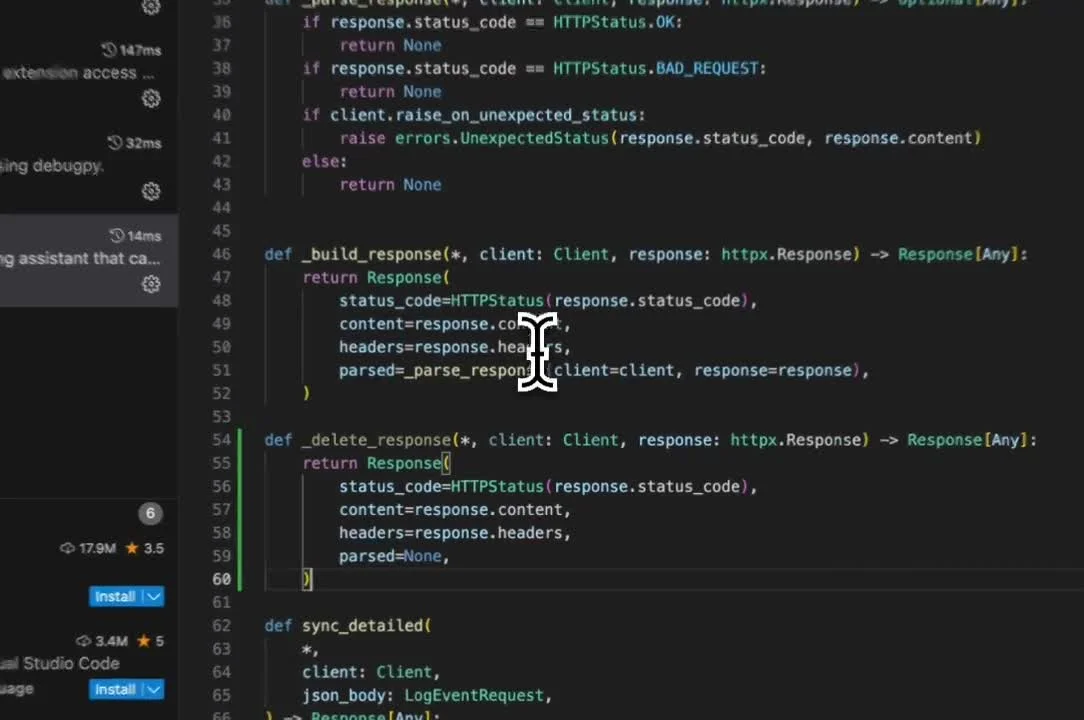
Tabby is a self-hosted AI coding assistant for completions and chat. Instead of calling a vendor's cloud, you run the server on your own infrastructure and point editor extensions at it.
What Sets It Apart: Privacy by architecture. Because the server runs on your machines, your code never leaves your infrastructure — the key requirement for regulated or security-sensitive teams. Tabby supports local open models like Llama, DeepSeek, and Qwen as well as cloud providers, and it ships extensions for VS Code, JetBrains, Neovim, and other editors.
Key Features
- Self-hosted server: Run completions and chat on your own hardware or cloud.
- Local + cloud models: Use open models on-device or connect hosted providers.
- Editor extensions: VS Code, JetBrains, Neovim, and more.
- Code stays private: No code is sent to a third-party vendor.
Where It Falls Short
Self-hosting means you own the ops: you need enough compute (ideally a GPU) for good local models, and you maintain and upgrade the server yourself. The core is Apache-2.0, but some enterprise features live under a separate ee/ license, so not every capability is fully open. Its ecosystem is smaller than Copilot's.
Pricing
Free and open source (Apache-2.0 core). You self-host the server and bring your own models; Tabby also sells managed and enterprise tiers, but the self-hosted core is free.
Best For
Teams with compliance or data-residency requirements that need completions and chat to run entirely on their own infrastructure.
5. Continue
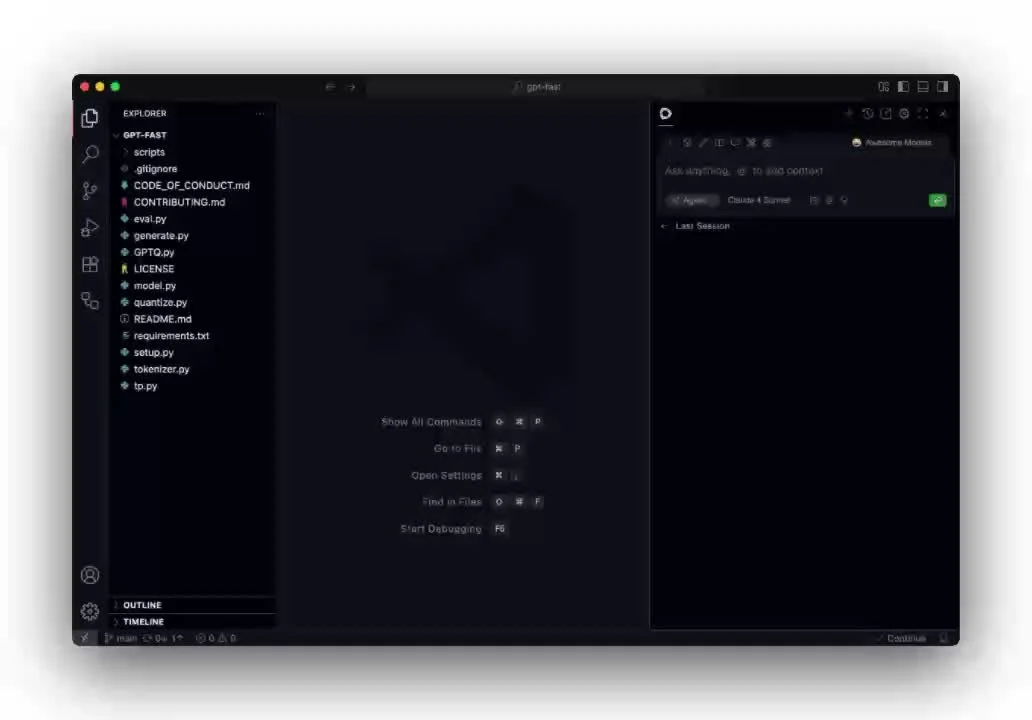
Continue is a VS Code and JetBrains extension for AI chat, autocomplete, and agent mode, with one of the broadest provider lists in the ecosystem — including first-class local model support through Ollama and LM Studio.
What Sets It Apart (and the catch): Continue pioneered bring-your-own-key, editor-embedded coding assistance with true model choice. But in June 2026, Cursor (Anysphere) acquired Continue in an acqui-hire and shut down the standalone product. The code remains available under Apache-2.0, so existing forks and pinned builds still work, but the repository is now read-only and the original team will not ship further updates.
Key Features
- Editor extensions: VS Code and JetBrains with chat, autocomplete, and agent mode.
- Broad providers: Anthropic, OpenAI, Gemini, and many others via BYOK.
- Local models: First-class Ollama and LM Studio support for fully offline use.
- Apache-2.0: The code is forkable even though the original project is discontinued.
Where It Falls Short
This is the cautionary entry on the list. Continue is no longer actively maintained — the repo is read-only and its cloud services were shut down (users had to export data by July 15, 2026). Choosing it today means forking and maintaining it yourself, and watching provider APIs drift over time. If you want an actively developed editor agent, Cline or OpenCode are safer bets.
Pricing
Free and open source (Apache-2.0). You bring your own model keys. No active vendor behind it anymore.
Best For
Developers who want to study or fork a mature, Apache-2.0 editor agent — not those who need ongoing support or updates.
How to Choose
Your choice comes down to where you work, how much control you want, and whether your code can leave your network.
For terminal-first developers: Start with OpenCode if you want a fast agent with language-server feedback and 75+ providers, or Aider if you want every AI change to land as a clean git commit.
For in-editor work in VS Code: Cline gives you an autonomous, approval-gated agent. If you want something closer to Copilot's autocomplete-plus-chat feel, the model choice in a mature editor extension used to be Continue — but given its acquisition, Cline is the actively maintained option today.
For teams that must keep code on-prem: Tabby is the clear pick. It is the only entry built specifically as a self-hosted completion server, so no source ever leaves your infrastructure.
For maximum model flexibility: OpenCode and Aider both let you point at any provider or a local Ollama model, so you are never locked to one vendor's API or a per-seat subscription.
For beginners coming from Copilot: Cline is the most approachable in-editor agent. Expect to manage your own model API costs rather than a flat monthly fee.
Explore the full set of open-source GitHub Copilot alternatives, or browse the AI coding agents category and its self-hosted options.
Conclusion
Open-source coding agents have closed most of the gap with Copilot. OpenCode and Aider cover the terminal, Cline covers the in-editor agent, and Tabby covers self-hosted completion — all free, all inspectable, and all bring-your-own-key so you are not locked to a vendor's model or a per-seat subscription.
The trade-off is responsibility. With Copilot you rent convenience; with these tools you own the stack, which means managing model keys, and in Tabby's case, running a server. Continue is the reminder that "open source" is not the same as "actively maintained" — its acquisition left a forkable but frozen codebase.
Start with one tool that matches where you already work. Run it on a free model or a small project before committing. Most of these agents work with the same model you already pay for, so switching costs little more than an API key.
OpenElse Editorial — OpenElse is a curated directory of open-source and self-hostable alternatives to developer SaaS, from Notion and Auth0 to GitHub Copilot.